
 Feb 13, 2026
 0 Comments
WordPress powers more than 40% of websites worldwide. While it is flexible and powerful, poor configuration can lead to slow loading times, security vulnerabilities, and performance issues.
For businesses relying on WordPress, optimizing both performance and security is critical for:
* SEO ranking
* User experience
* Conversion rates
* Data protection
* Business credibility
A fast and secure WordPress website improves search engine visibility, enhances customer trust, and supports sustainable digital growth.
---
# Why WordPress Performance Matters for SEO
Google prioritizes fast-loading websites. Page speed directly impacts:
* Search engine rankings
* Bounce rate
* Core Web Vitals
* Mobile performance
* User engagement
Even a one-second delay in load time can significantly reduce conversions and user satisfaction. Speed optimization is not only a technical improvement — it is a business advantage.
---
# How to Improve WordPress Performance
## Use High-Performance WordPress Hosting
Choose managed WordPress hosting that provides:
* SSD storage
* Optimized PHP environment
* HTTP/3 support
* Built-in caching
* Server-level security
Avoid low-quality shared hosting for professional or business websites.
---
## Enable Caching
Caching reduces server load and improves loading speed.
Use:
* Page caching
* Object caching
* Browser caching
Caching ensures faster content delivery and reduces server resource consumption.
---
## Use a CDN (Content Delivery Network)
A CDN distributes website content across global servers, reducing latency.
Benefits include:
* Faster international access
* DDoS protection
* Reduced server load
* Improved SEO performance
---
## Optimize Images
Large images are one of the most common causes of slow websites.
Best practices:
* Convert images to WebP format
* Compress images before uploading
* Enable lazy loading
* Resize images appropriately
---
## Minify CSS, JavaScript & HTML
Reducing file size improves performance and load times.
* Combine CSS files
* Minify JavaScript
* Remove unused scripts
* Reduce HTTP requests
---
# WordPress Security Best Practices
Security is just as important as speed. A vulnerable website can damage your brand and compromise user data.
---
## Install a Web Application Firewall (WAF)
A firewall protects your website against:
* SQL injection
* Cross-site scripting (XSS)
* Brute-force attacks
* Malware injection
---
## Enable SSL (HTTPS)
An SSL certificate:
* Encrypts user data
* Protects login credentials
* Improves search engine ranking
* Builds customer trust
Every professional website must operate over HTTPS.
---
## Use Strong Authentication
* Enable Two-Factor Authentication (2FA)
* Limit login attempts
* Use strong passwords
* Disable the default admin username
Strong authentication reduces unauthorized access risks.
---
## Keep WordPress Updated
Outdated themes and plugins are the leading cause of security breaches.
Always update:
* WordPress core
* Plugins
* Themes
* PHP version
Regular updates close security vulnerabilities.
---
## Perform Regular Backups
Automated backups ensure:
* Quick recovery from attacks
* Protection against ransomware
* Minimal downtime
Store backups securely off-site for maximum protection.
---
# Advanced WordPress Hardening Techniques
For enterprise-level protection:
* Disable XML-RPC
* Hide WordPress version
* Change login URL
* Secure wp-config.php
* Optimize database security
* Implement file integrity monitoring
Advanced hardening strengthens your website’s security posture.
---
# The Connection Between Performance & Security
A secure WordPress website is also a faster website.
Security improvements reduce:
* Malware infections
* Resource abuse
* Spam traffic
* Server overload
Performance optimization combined with security hardening creates a scalable, reliable digital infrastructure.
---
# Conclusion
WordPress performance and security are not optional — they are essential.
If your website is slow or vulnerable, you risk losing traffic, credibility, and revenue. Optimizing speed and strengthening security builds a stable foundation for long-term digital success.
-
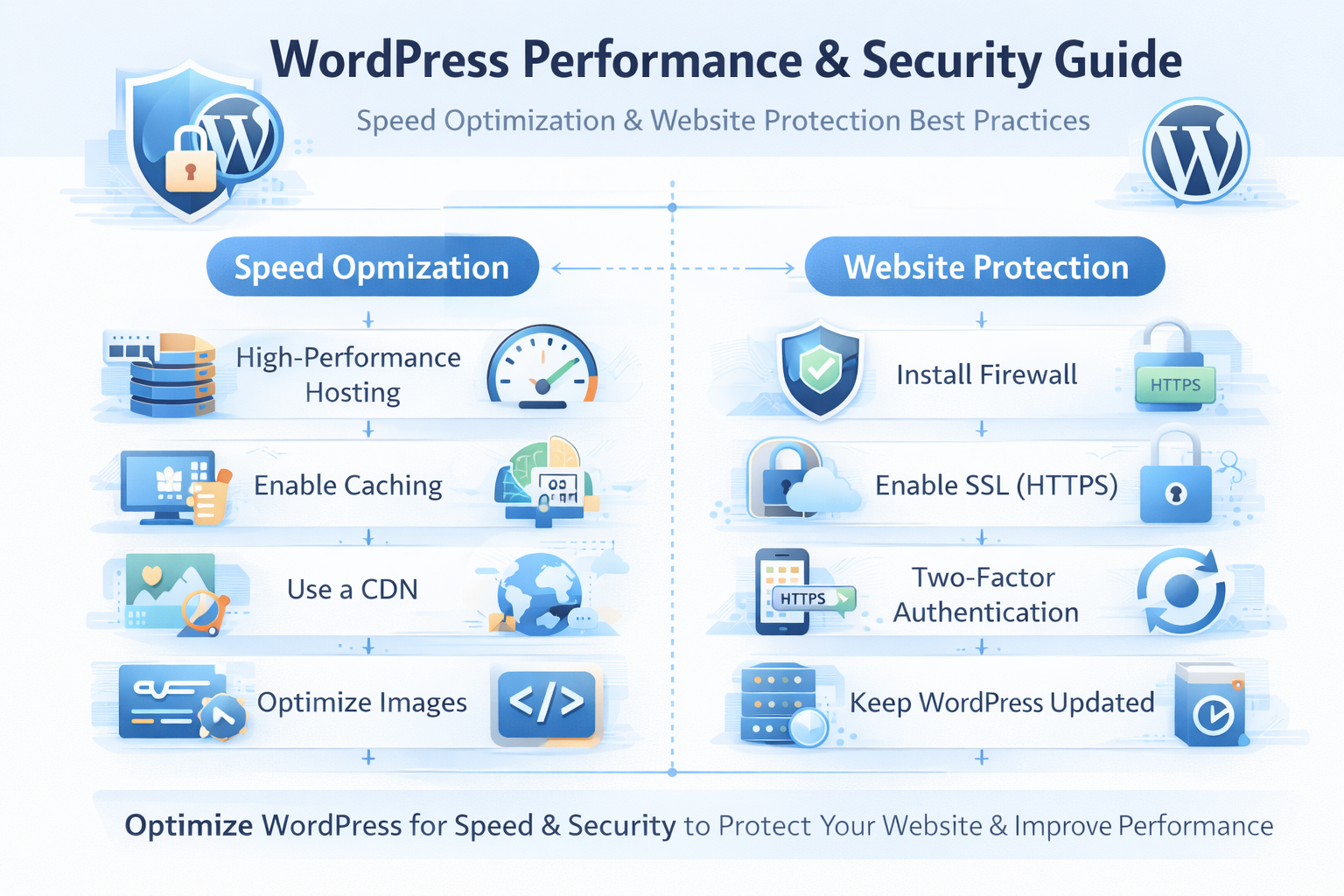
WordPress Performance & Security Guide
Learn how to improve WordPress performance and security with advanced optimization strategies, caching, CDN, firewall protection, malware prevention, and secure hosting best practices.


Share Your Perspective
Join the discussion. Your email will remain private. Required fields are marked *
Reader Comments (0)